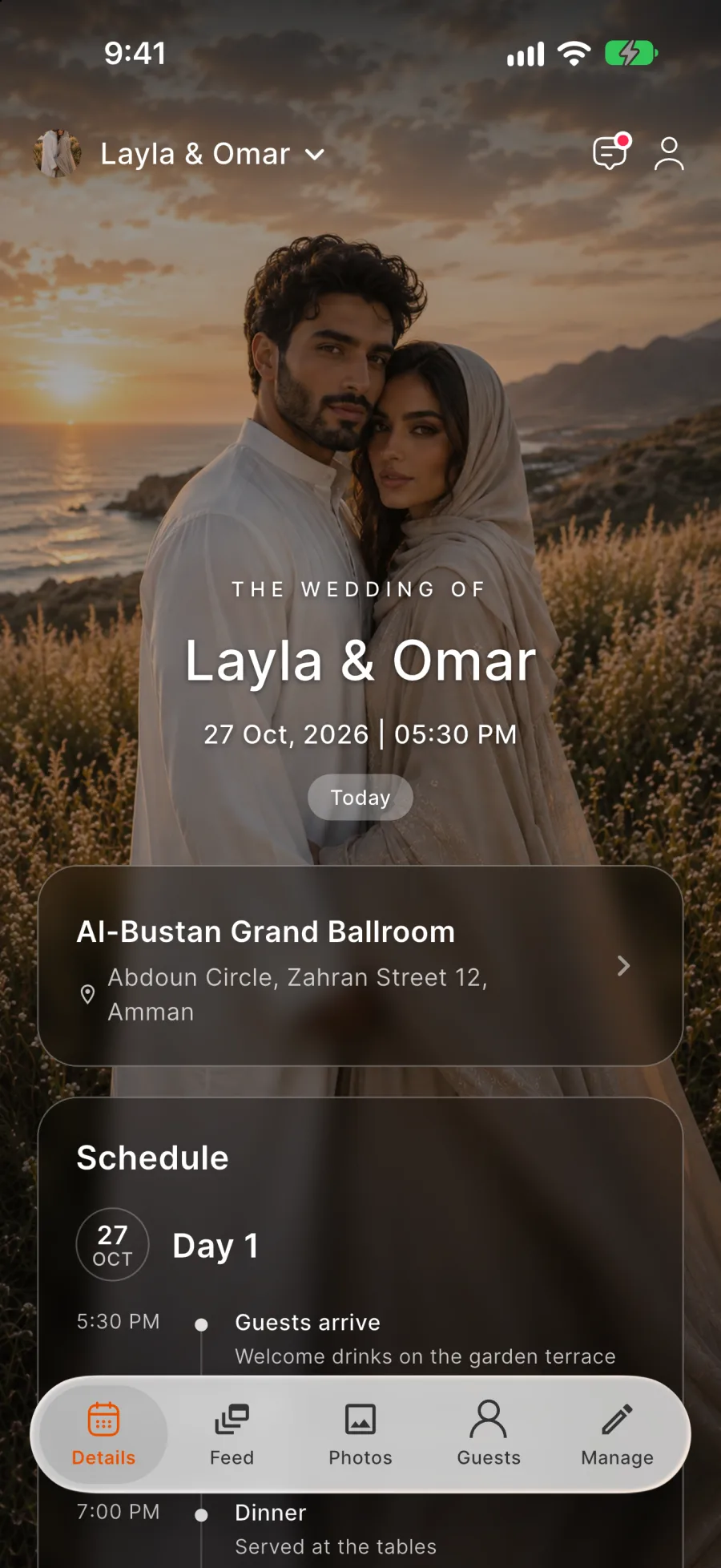
For hosts
Run your event from the first invitation to the last photo
Create the event in five steps, then add guests, a programme, tickets and albums as you need them.
Occasions
What hosts use Rundivo for
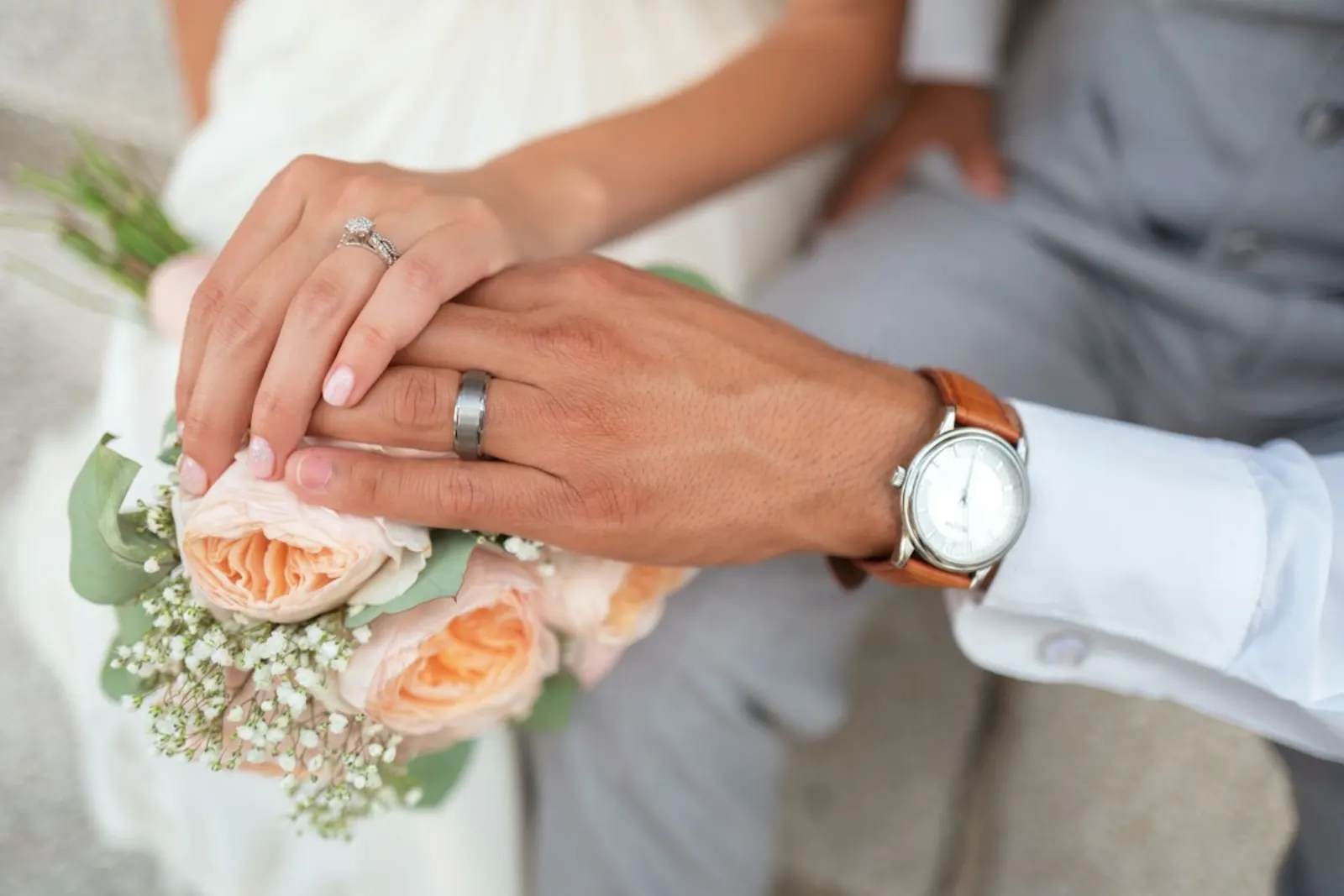
The wedding cycle
From Khotbeh to Walima, with the right guests at each celebration.

Birthdays
Kids' parties and surprise dinners with replies and a shared album.

Family days
A company picnic with free entry and a paid ticket that includes lunch.

Graduations
Invite family from out of town and collect every photo of the day.
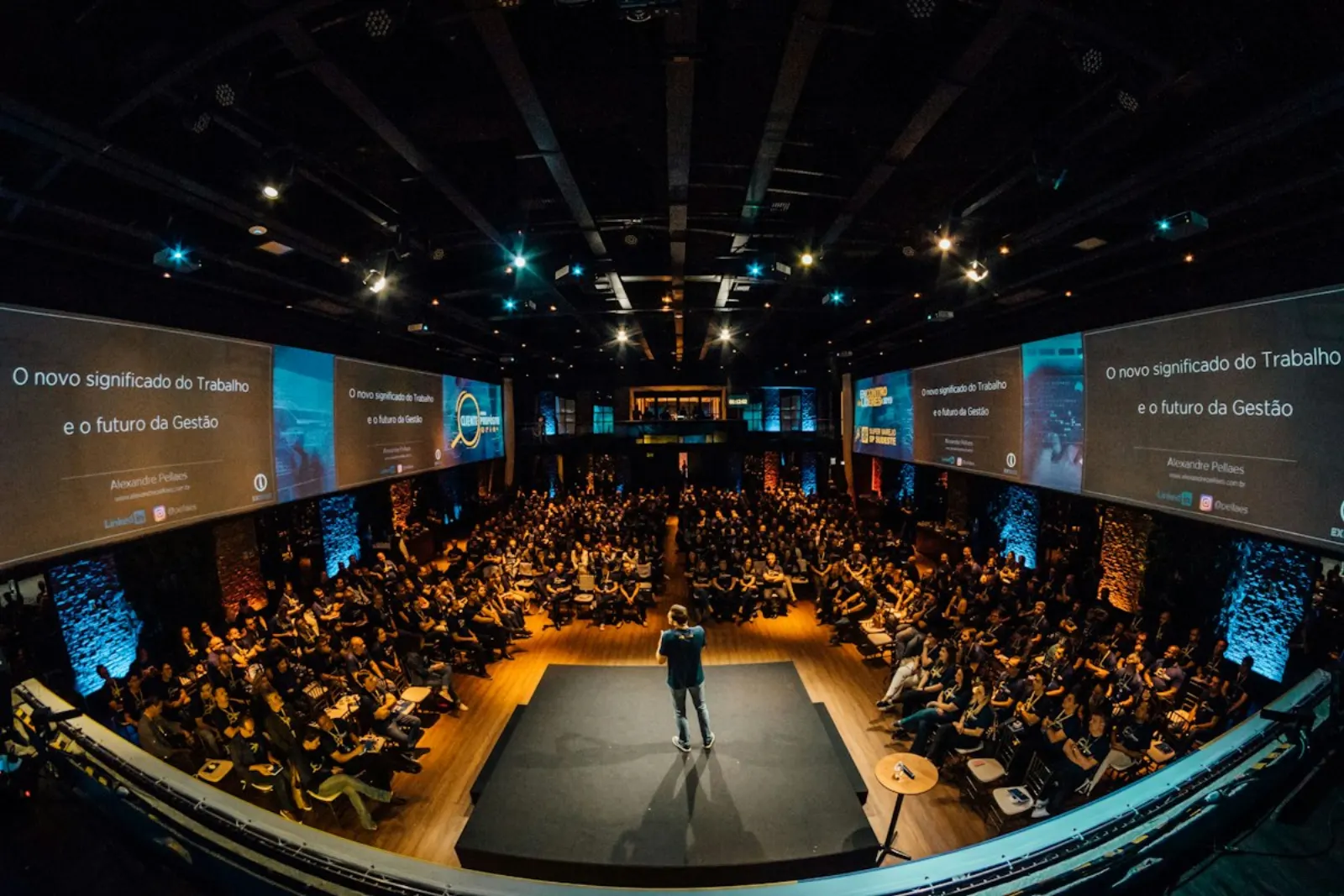
Conferences
Passes, a programme with VIP sessions and QR check-in at registration.
Fashion weeks and shows
Guest lists, VIP passes and a door scanner for every show.
Creating the event
Your event is ready to share after five steps
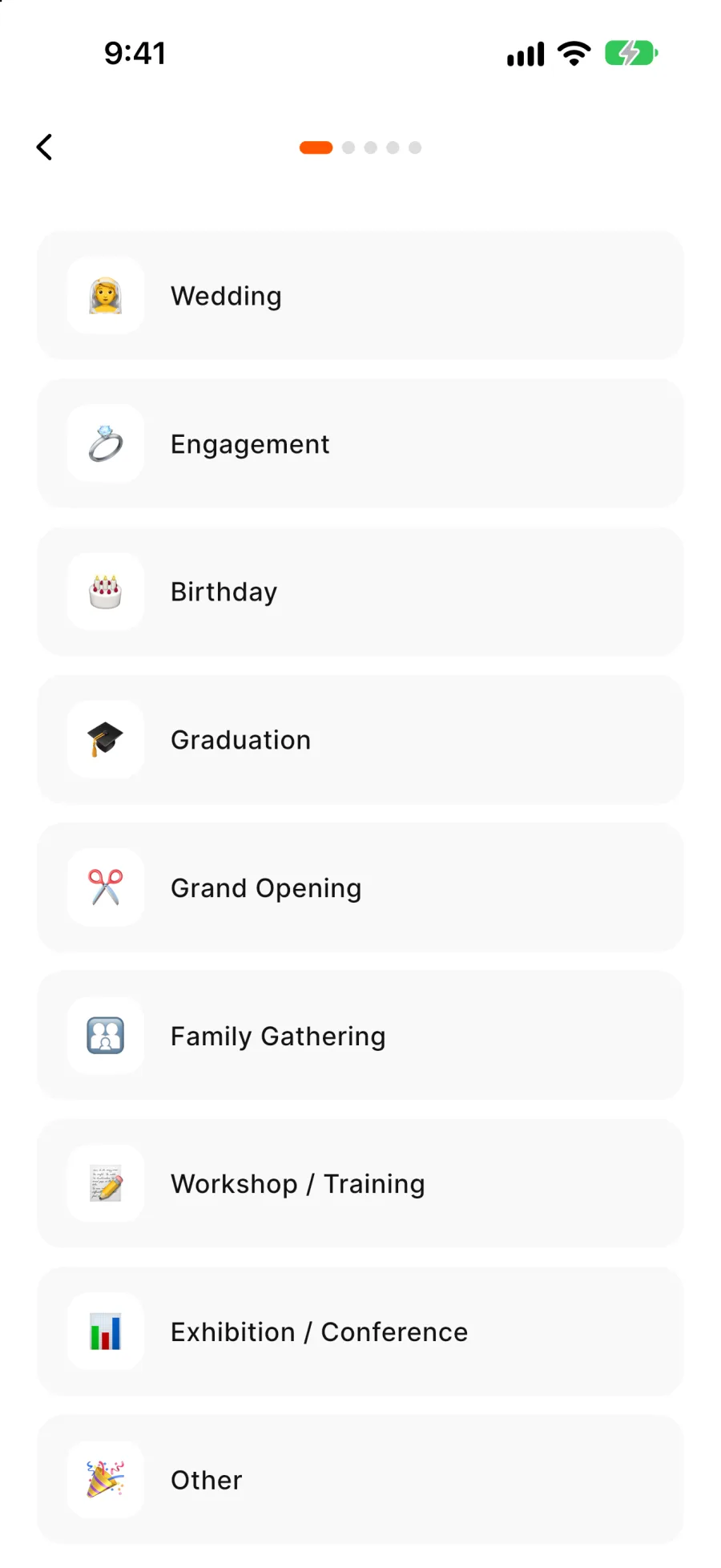
Pick the occasion, the dates, a cover photo, the title and the guest limit. Everything else can be added later.
Templates for each occasion
A template suggests the headline, such as The Wedding of, and themed covers. Every feature works for every occasion.
Your own cover
Choose a themed cover or upload a photo, and reframe it at any time.
Invitation message
Up to 500 characters, with your sign-off underneath.
Preview as a guest
See the event page exactly as your guests will.
Flexible dates
One day or several, with or without times. Change them later from the event details.
Inviting
Invite people by link, QR code or from your contacts
One shared link
Post it anywhere with a preview of the event.
Personal links
Send each contact their own link from your phone's contacts.
QR code
Print it on invitation cards or share it from your phone.
From a list or fileAdd-on
Paste a list or upload a file, and Rundivo sorts out the names and numbers. Included from 300 guests, or $10 on its own.
Guests from past events
Bring people over from an earlier event without typing them in again.
Days for each guest
Tick which days of the programme each person is invited to.
Guest list
Every reply and plus-one in one list
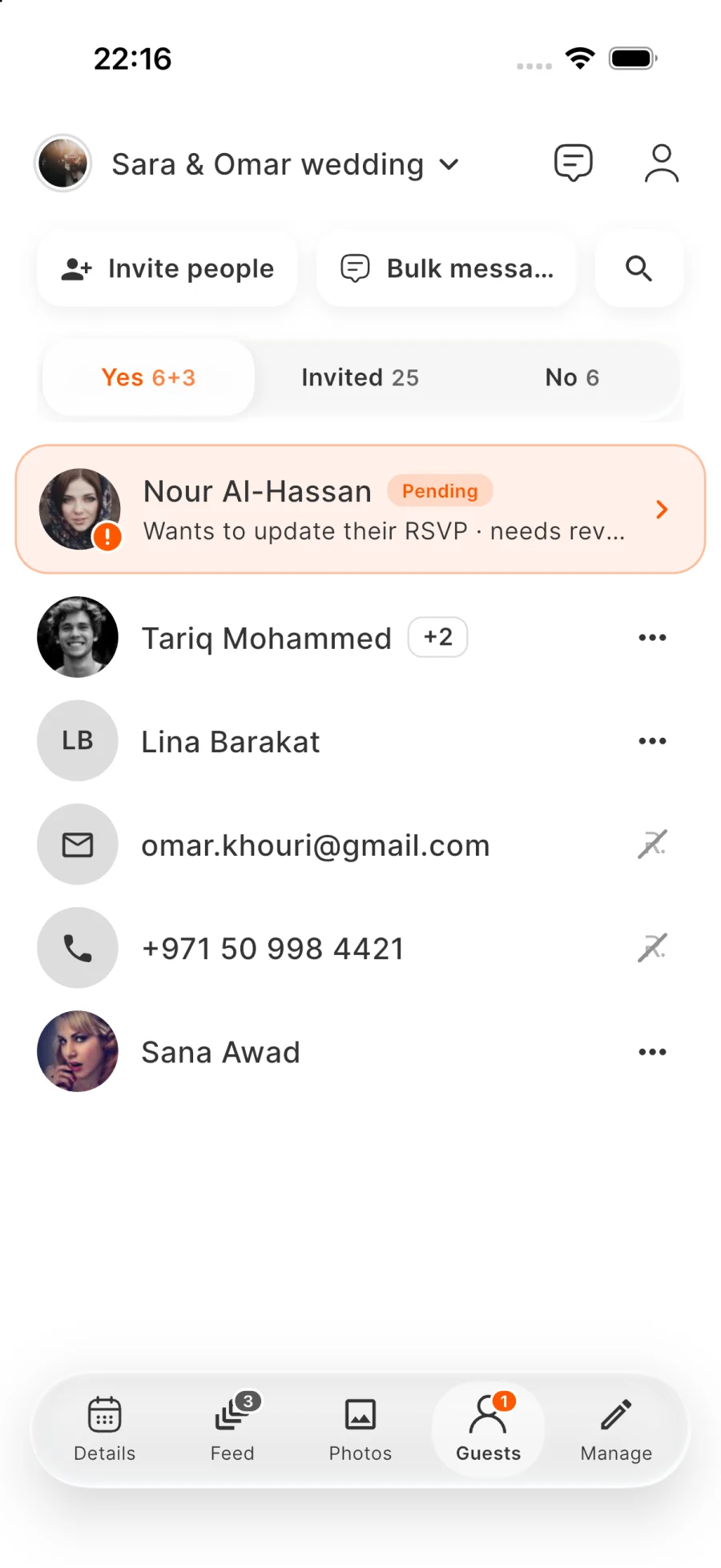
Guests are grouped into Going, Invited and No, requests wait at the top, and search covers everyone.
Plus-one rules
Accept requests automatically up to a limit per guest, or approve each one. Ask only for what you need: name, gender, adult or child.
Approve fewer seats
Approve a request, reject it with a note or approve a smaller group. Your number is final.
A firm guest limit
Once the event is full, new guests join a waiting list, and you add people from it yourself.
A tidy list
Remove anyone, invite again someone who said No, and merge duplicates.
Private or shared
Decide whether guests can see who else is coming.
Team and messages
Share the work and keep every guest informed
Co-hosts
Run the event together, without them counting towards the guest limit.
Event admins
Make a guest an admin from the guest list. Admins help with guests and photos without access to money or cancelling.
Who invited whom
Personal links show which host brought in each guest.
Messages to guests
Write to everyone or a chosen group. Guests get a notification, and the message stays in the event.
Event chat
One group chat for the event. Switch it to announcements so only hosts post, and remove any message.
Feed
Guests share posts, stories and comments, and you can delete any post.
Programme and venue
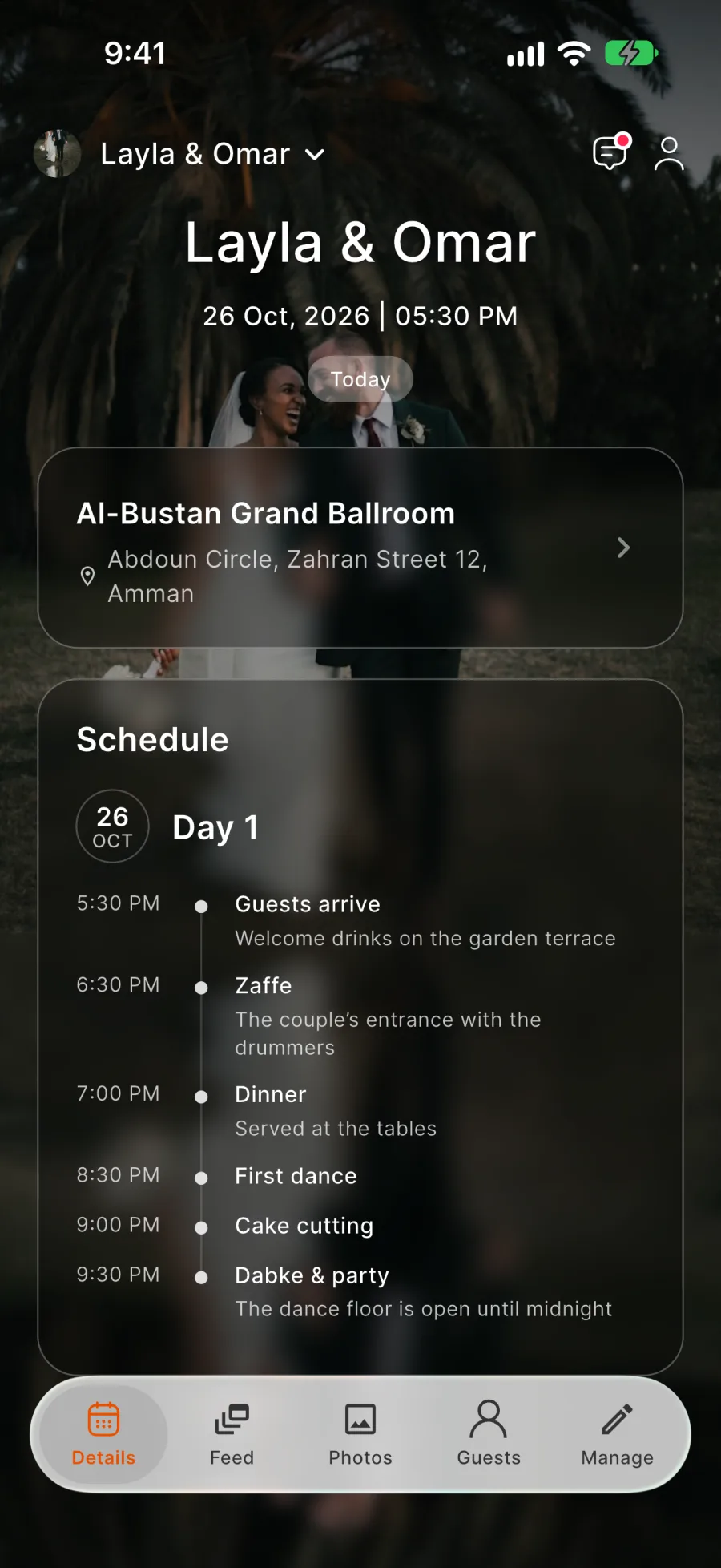
A programme where each day has its own guests
The programme is included from 100 guests, or $10 on its own. Days follow the event dates, up to 31, and every item has a start time.
Areas
Split a busy day into areas, such as the main hall and the garden.
Guests for each day
Everyone, or only the people you pick. Copy a day's list to another day, or open days by ticket type.
Shown when ready
Guests see the programme only after you switch it on.
Changes reach the right guests
When a day or item changes, only that day's guests get a notification.
Your venue
Add the address, parking and notes, or choose from the venues Rundivo recommends in your city.
Photographers
Browse the photographers Rundivo recommends and contact them yourself.
Photos
Collect the photos and choose who adds to each album
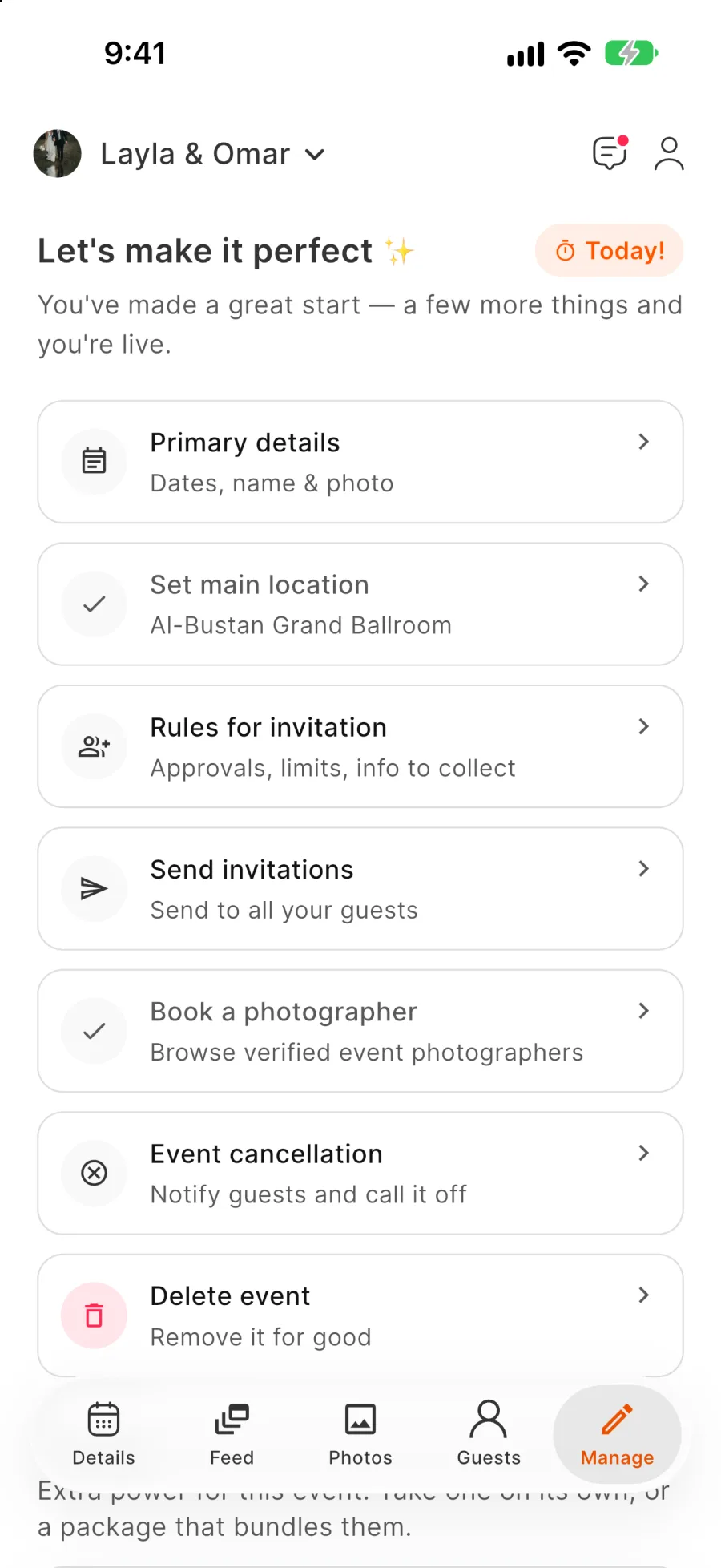
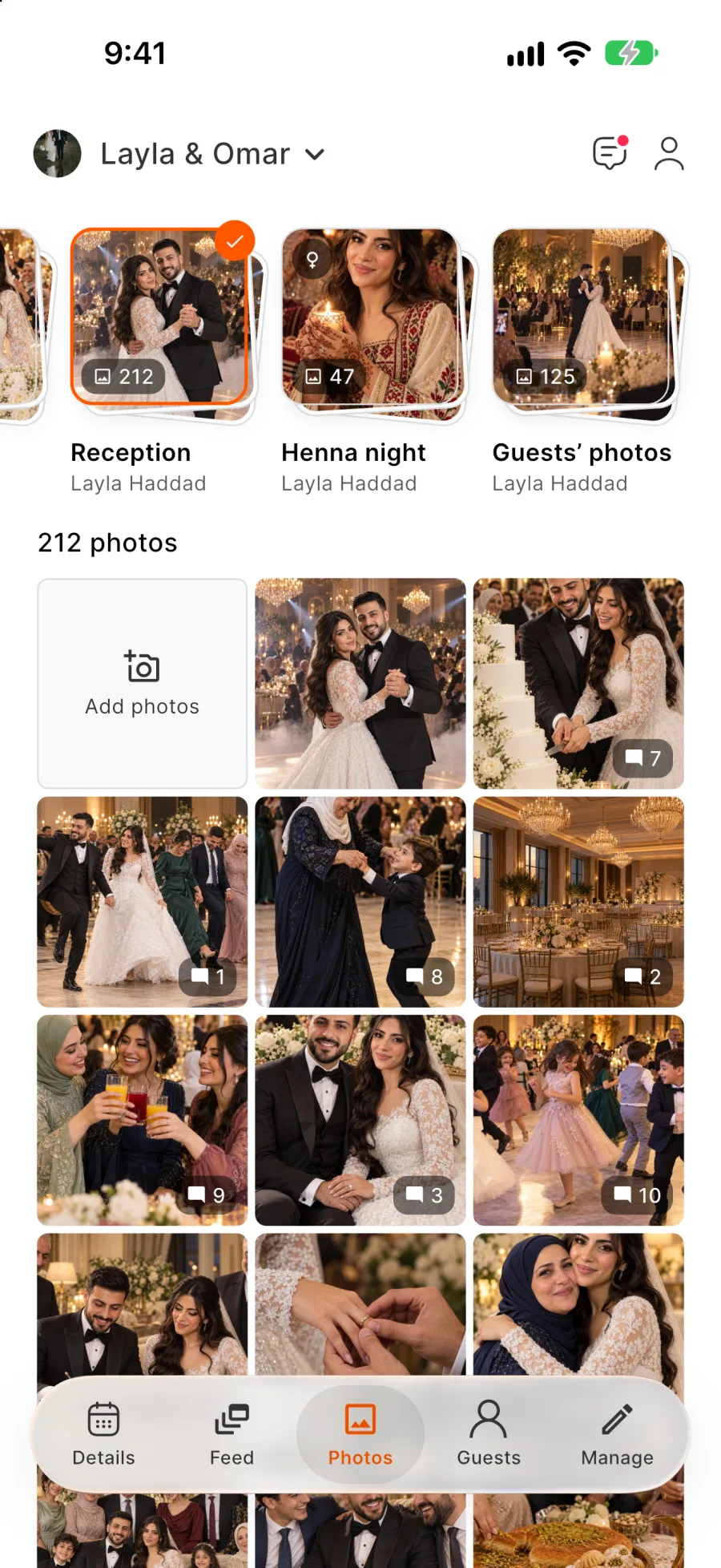
Turn photos on when you're ready, then create the albums yourself or with your admins.
Open or locked
Let guests upload to an album, or keep it for hosts only.
Ladies-only albumsAdd-on
Only women guests can open them. Included from 100 guests, or $10 on its own.
Find my photosAdd-on
Every guest adds their face once and sees the photos they're in. Included from 300 guests, or $10 on its own.
Uploads under control
Each photo shows who added it, and you can delete guest uploads in bulk.
Download everything
Save all the event's photos as one archive.
3 GB free for the first year
After that, $15 a year keeps the event, or move to 80, 200 or 500 GB. Reminders arrive before the year ends, and without an extension the event and its photos are deleted.
On the day
Check guests in at the door
Every arrival is marked in the check-in list.
Invitation events
Tap a guest's name to check them in.
Ticketed events
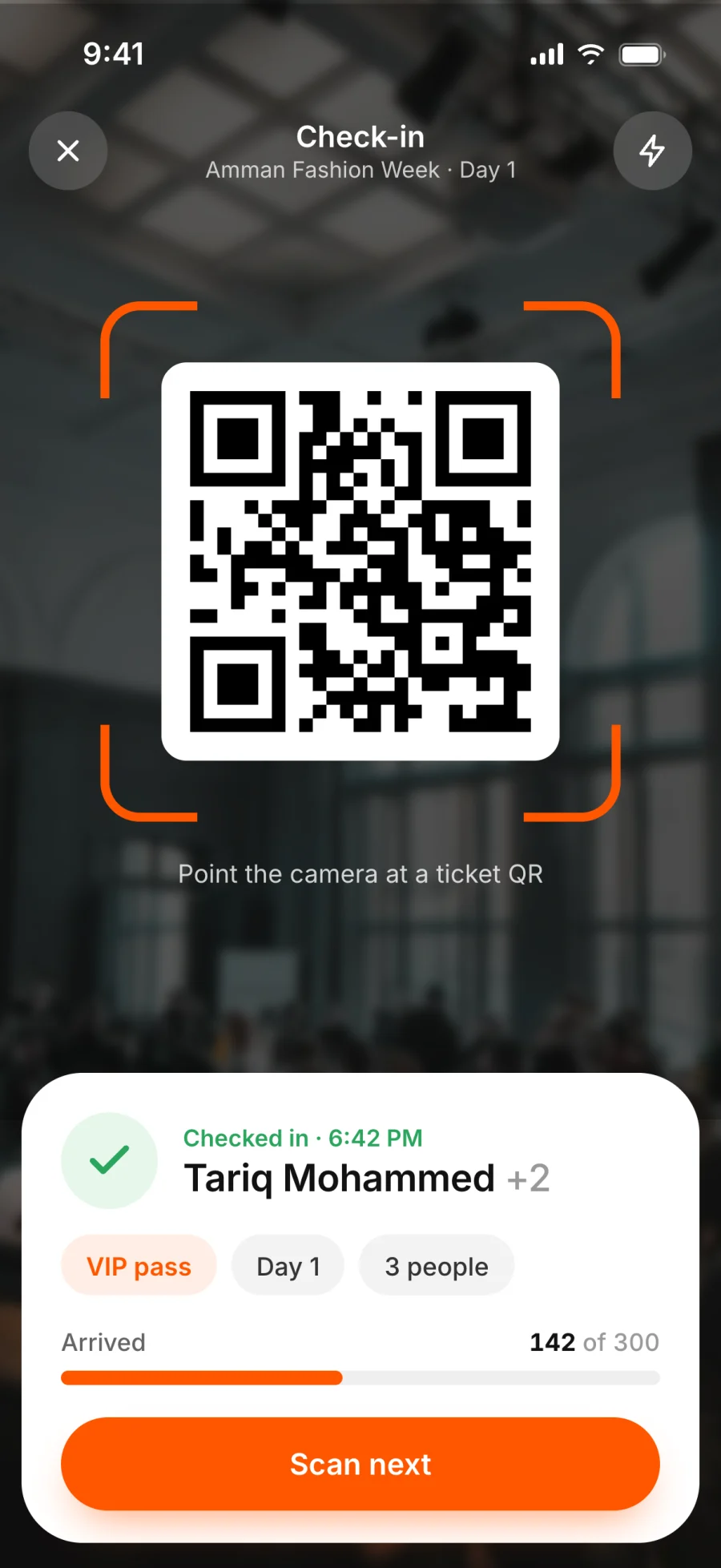
Scan the QR code on each ticket. Tickets for other events are rejected.
Tickets on any event
Switching tickets on is free, and free and paid ticket types can sit side by side.
Privacy
Private by default
Rundivo has no public event listings and no people search.
Invite-only entry
Only your link or QR code opens the event. Reset the shared link or cancel a personal link at any time.
No location tracking
Rundivo never asks where you are and removes location data from uploaded photos.
Block and report
Anyone can block or report a person, and reports go to the Rundivo team.


FAQ
Questions hosts ask us
Do my guests need to install the app?
For invitation events, guests reply on the web, plus-ones included. The programme, chat, photos and tickets are in the app.
Can I switch an invitation event to tickets?
Yes, until the first guest replies Going.
What happens when the event ends?
Adding guests and selling tickets stop. Everything else, including the photos and the chat, keeps working.
Can I cancel an event?
Yes, until it starts, with a note to your guests. Everyone is notified, ticket buyers get a full refund, and the page and photos stay. Upgrades aren't refunded.
Your next event starts with one link