Selling tickets
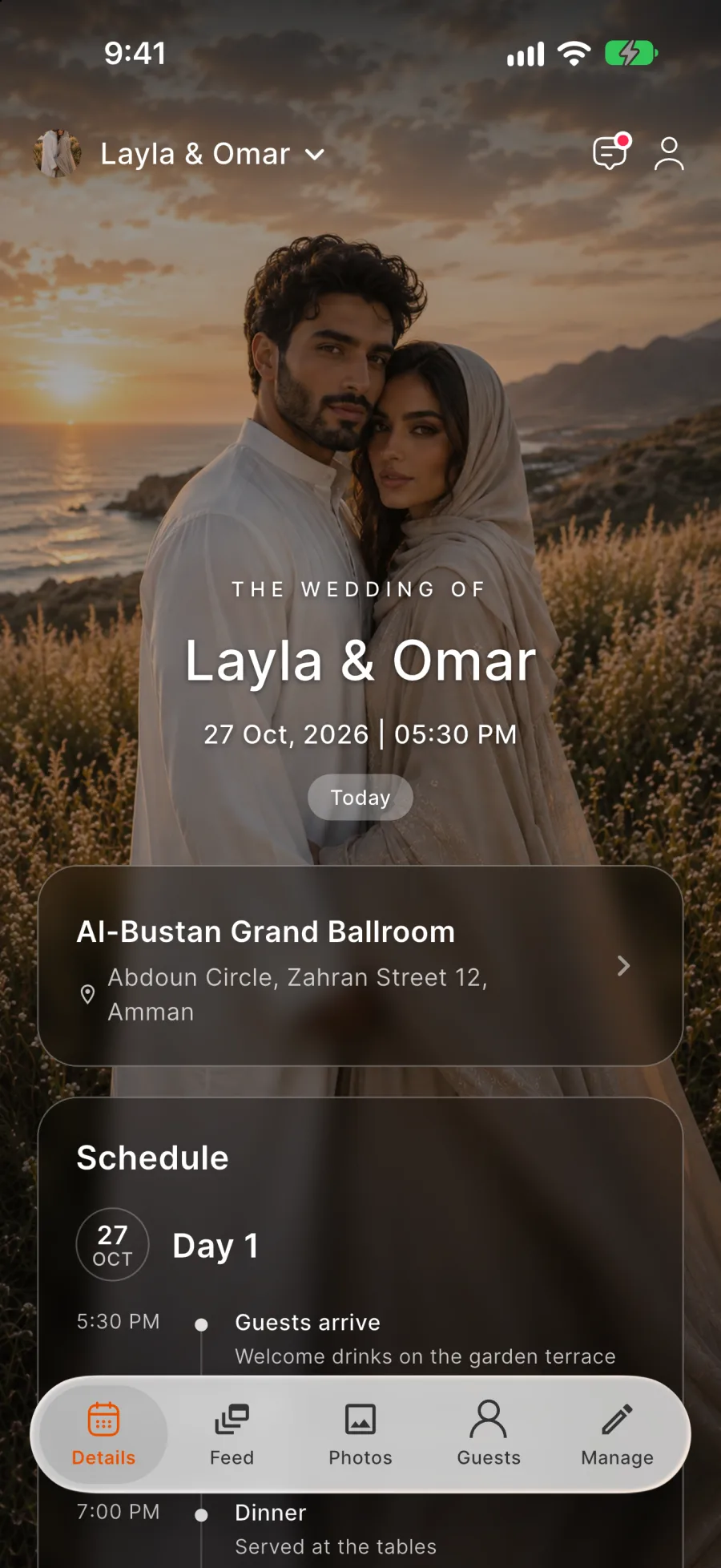
Sell tickets and check guests in from the same app
For conferences, shows and company family days. Switching tickets on is free, and Rundivo's service fee comes out of your sales, never added to the ticket price.
Running a conference or a show?
Write to info@rundivo.com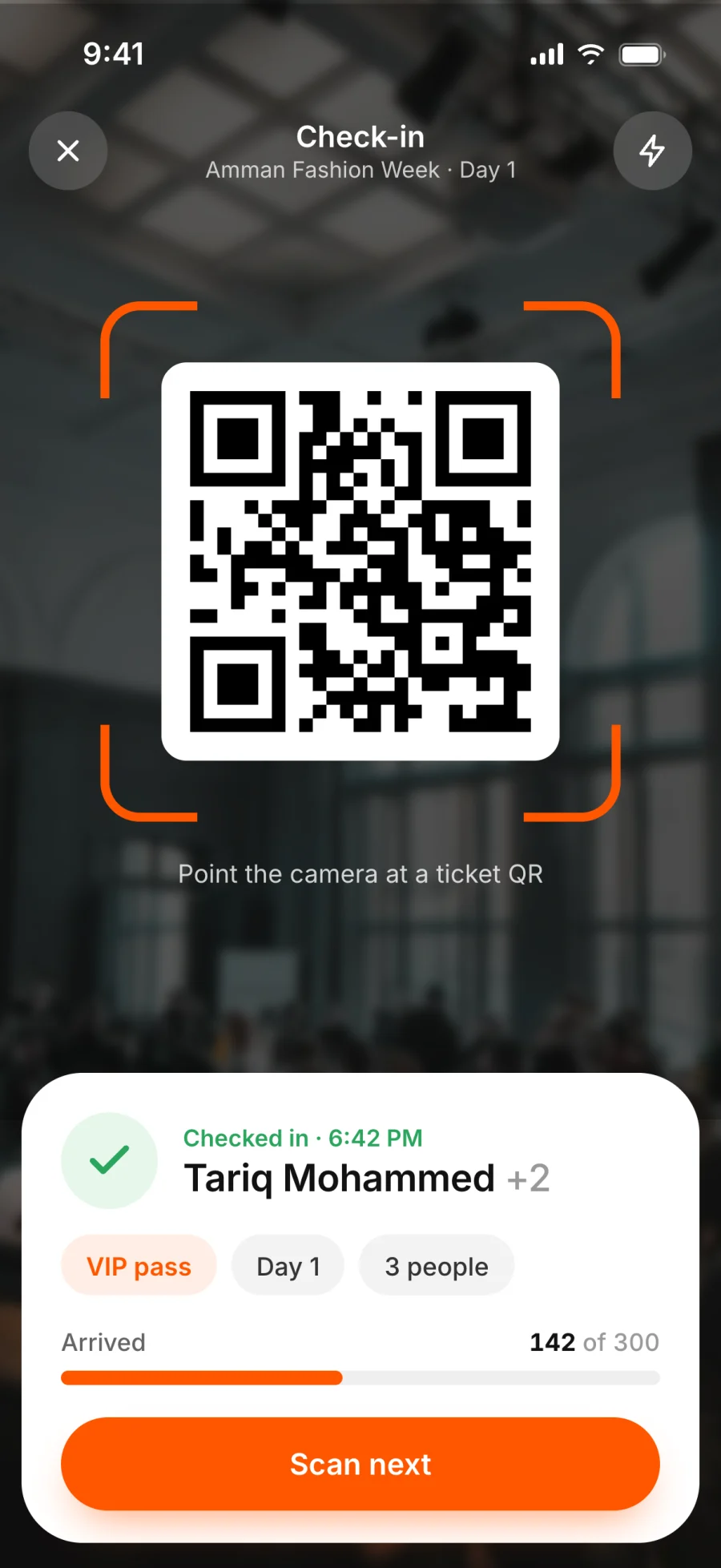
Free and paid, side by side
Mix free entry, VIP passes and gala dinner seats in one event.
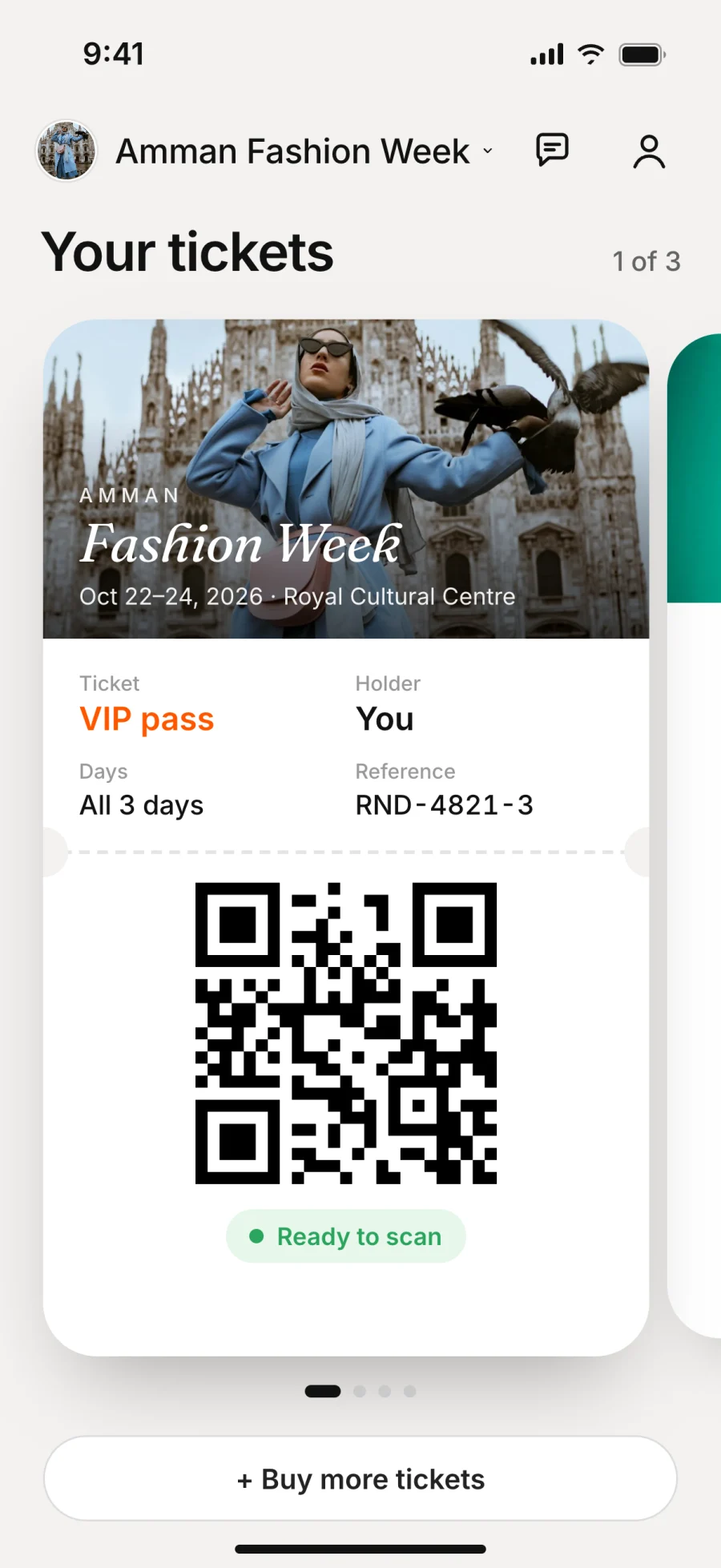
A QR code for every ticket
Stored in the guest's app.
Check-in at the door
Scan tickets with your phone. Each scan marks the guest as arrived, and tickets for other events are rejected.
Ticket types
Set up passes the way your event runs
Each ticket type has a name, a description, a price and, if you want, a cap. Free tickets show as Free.
Passes for several days
Ready-made combinations such as All 3 days or Day 1 + 2.
Prices that hold
After the first sale the price locks and a cap can only go up, so earlier buyers keep what they paid for.
VIP sessions
Show parts of the programme only to the ticket types you choose.
Close sales
Stop selling any ticket type when you're ready.
Buying
Guests buy for themselves and the people they bring
Buying a ticket is the reply. Until they buy, visitors see the event's name, date and place, and the tickets on offer.
One checkout for the group
Different ticket types in one order, and companions don't need their own account.
Rules before paying
A line-by-line breakdown and your refund rules appear before payment.
Secure card payments
Guests pay on the provider's secure page, so card details never reach Rundivo.
Your currency
Tickets are priced in JOD for hosts in Jordan and in USD elsewhere.
Running sales
Buyers, refunds and payouts
Find any buyer
Filter guests by ticket type, and search by name or ticket reference.
Cancel with full refunds
Cancel any time before the event starts, and every buyer gets their money back.
Ticket transfers
A buyer can move a ticket they bought for someone else to another person before the event.
Refund deadline
12, 24 or 48 hours before the start. Requests made before it are refunded to the card automatically.
Payouts after the event
Earnings show as tickets sell and can be withdrawn after the event.
Sales from your own channels
Record them and issue the tickets in Rundivo, so check-in still runs through the app.
FAQ
Questions organisers ask us
Do guests pay a fee?
Guests pay the ticket price plus a payment processing fee, and VAT if you charge it.
Can a free event sell tickets?
Yes. Tickets work at every guest limit, including the free one, and a ticketed event can be entirely free.
Can guests buy tickets on the website?
No, tickets are bought in the app.
Your next event starts with one link